We have recently updated our support process to ensure greater security for your account & to streamline the support process.
All support requests must have a ticket created by a registered user. Tickets can only be created by Jet Portal admins, this ensures that any request that is received is from an approved member of your organisation.
Creating A Ticket
1. Navigate to https://support.jetinteractive.com.au/hc/en-us
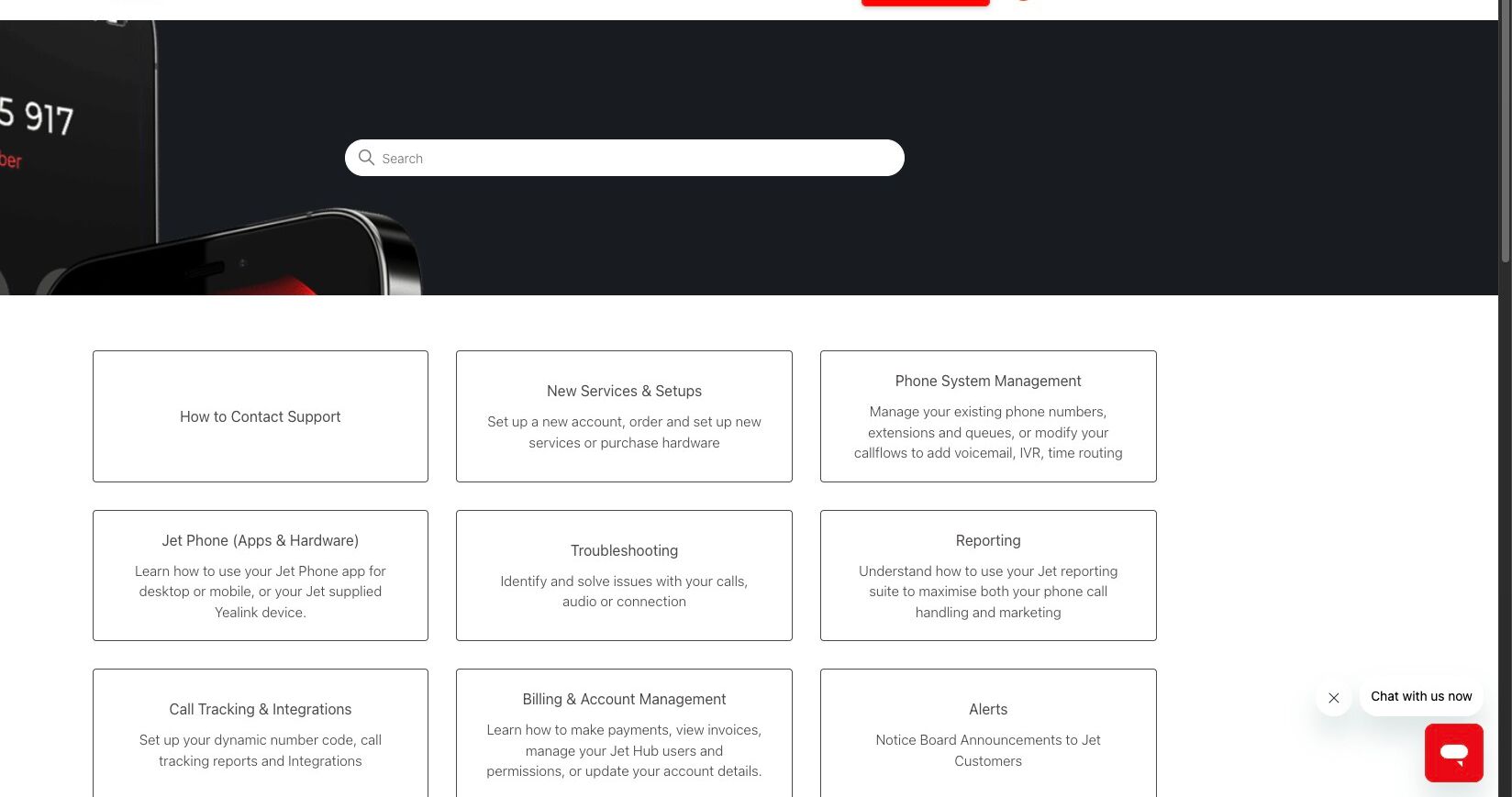
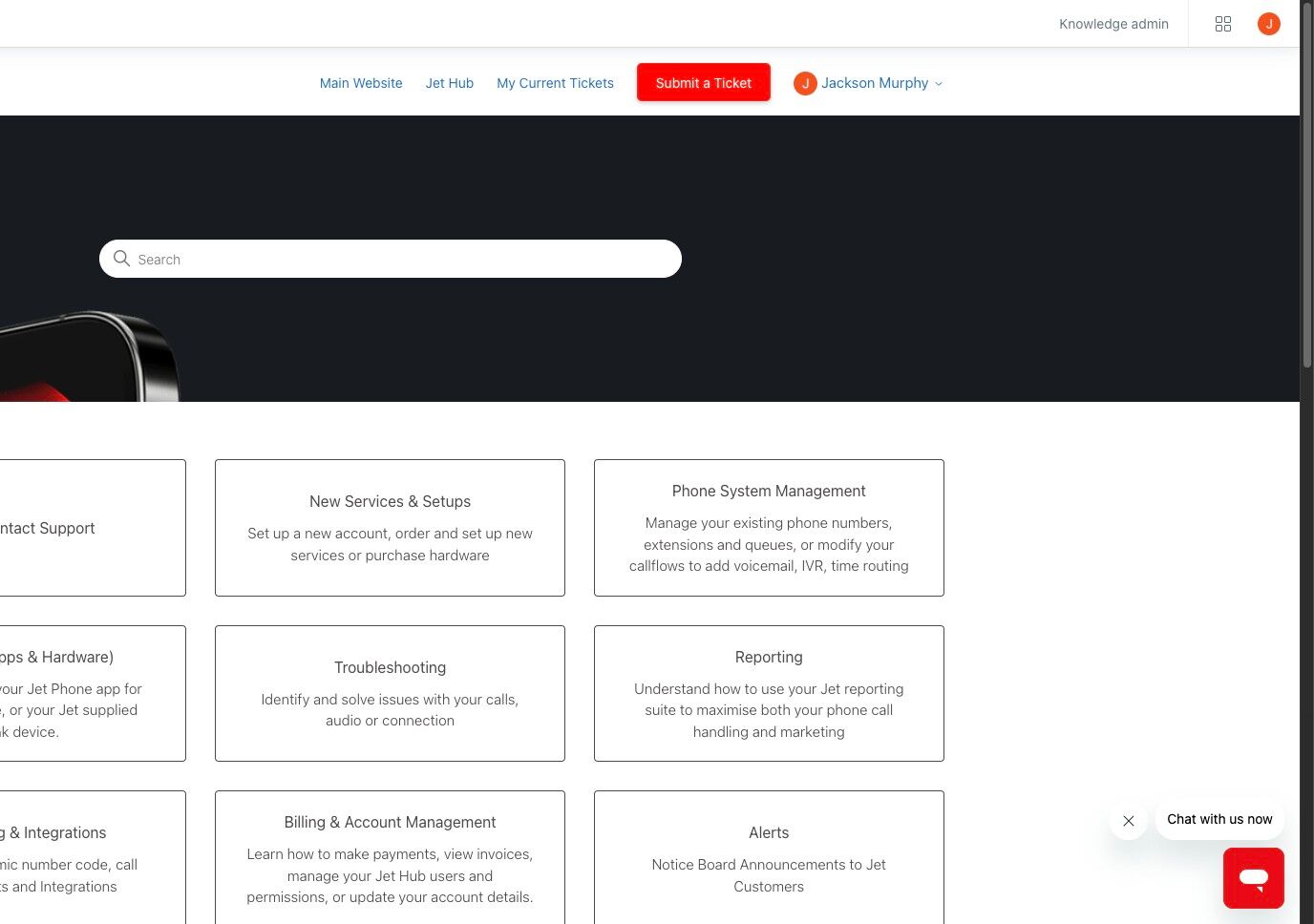
2. Click "Submit a Ticket"
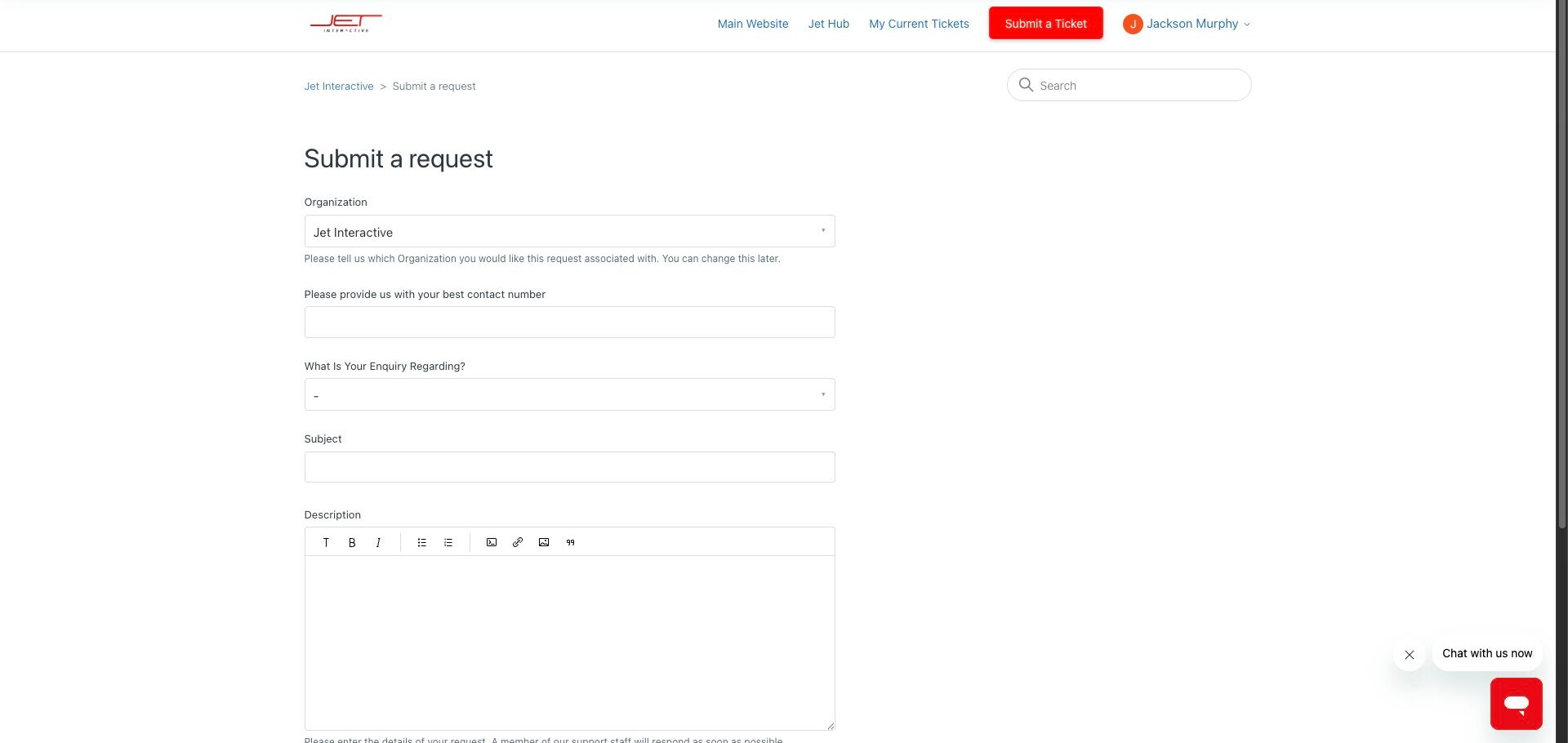
3. Provide us some contact details
4. Pick a category that fits your ticket
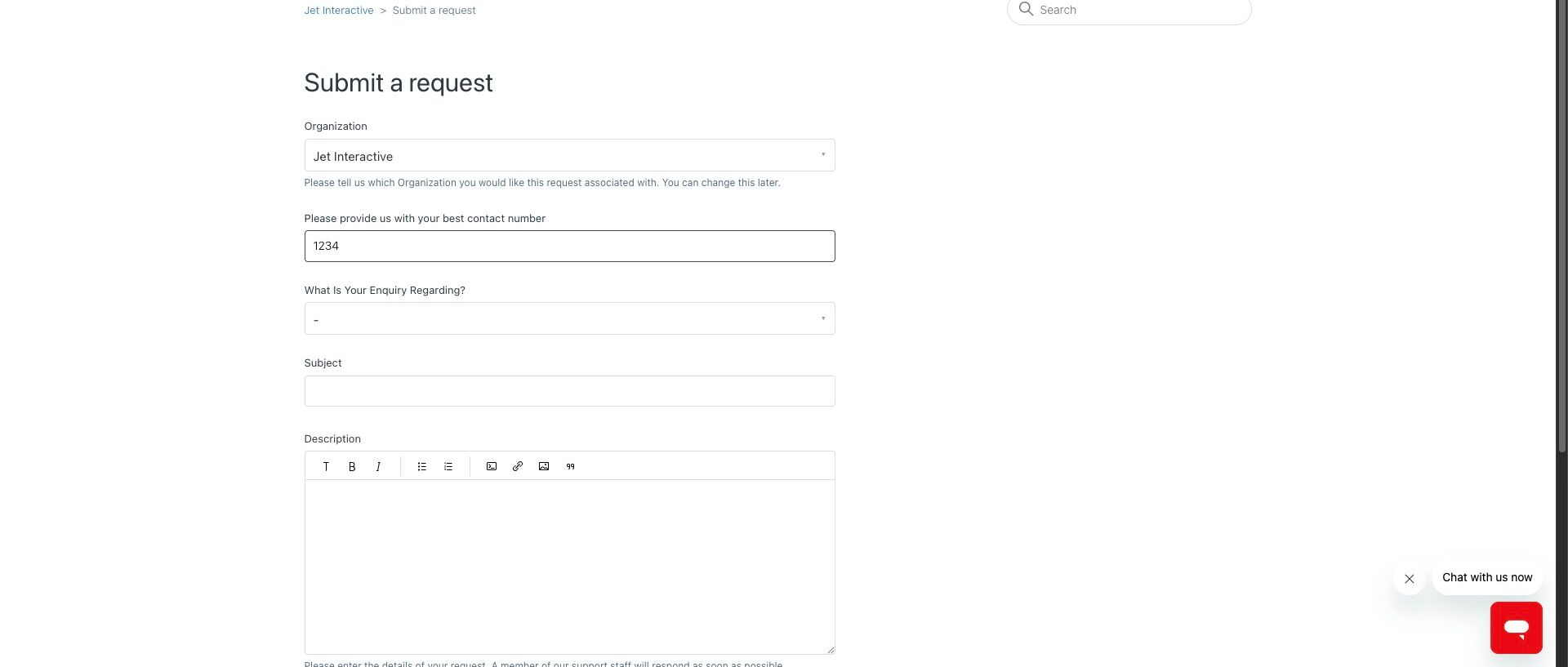
5. Pick an issue within that category
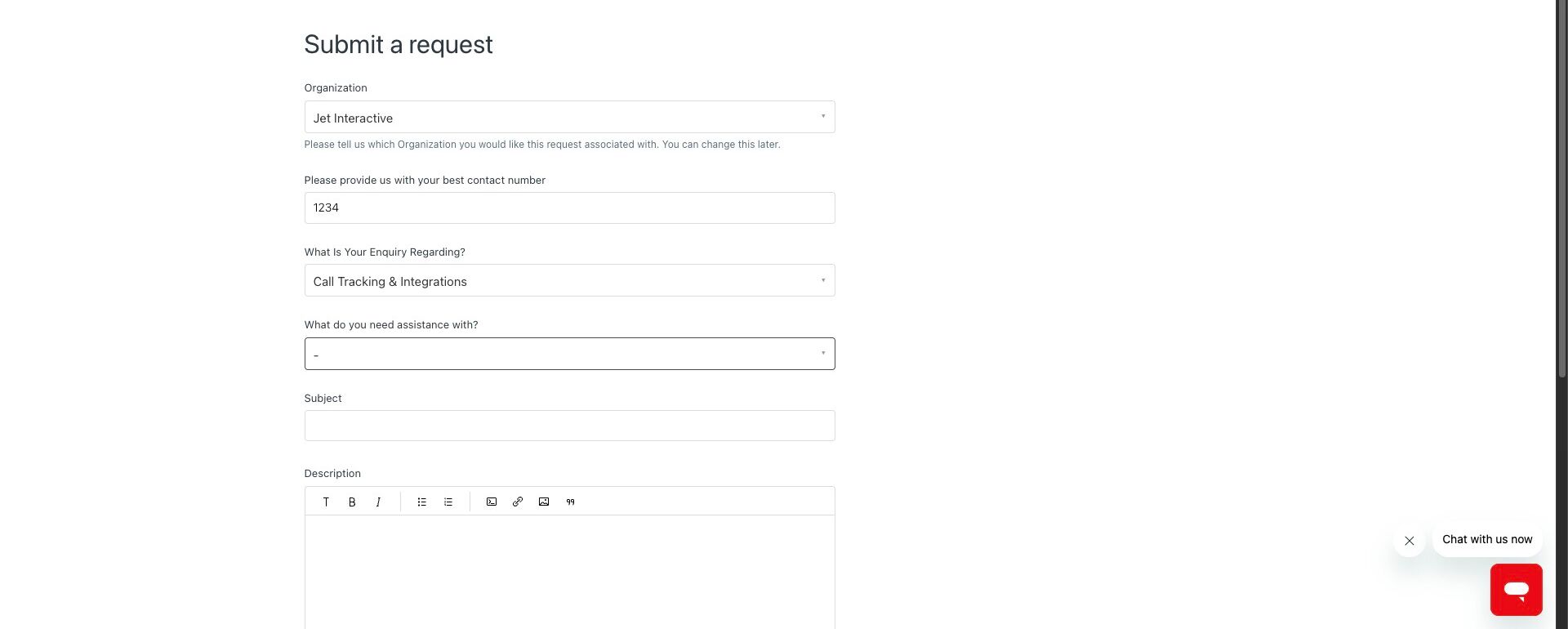
6. Provide us any further required details
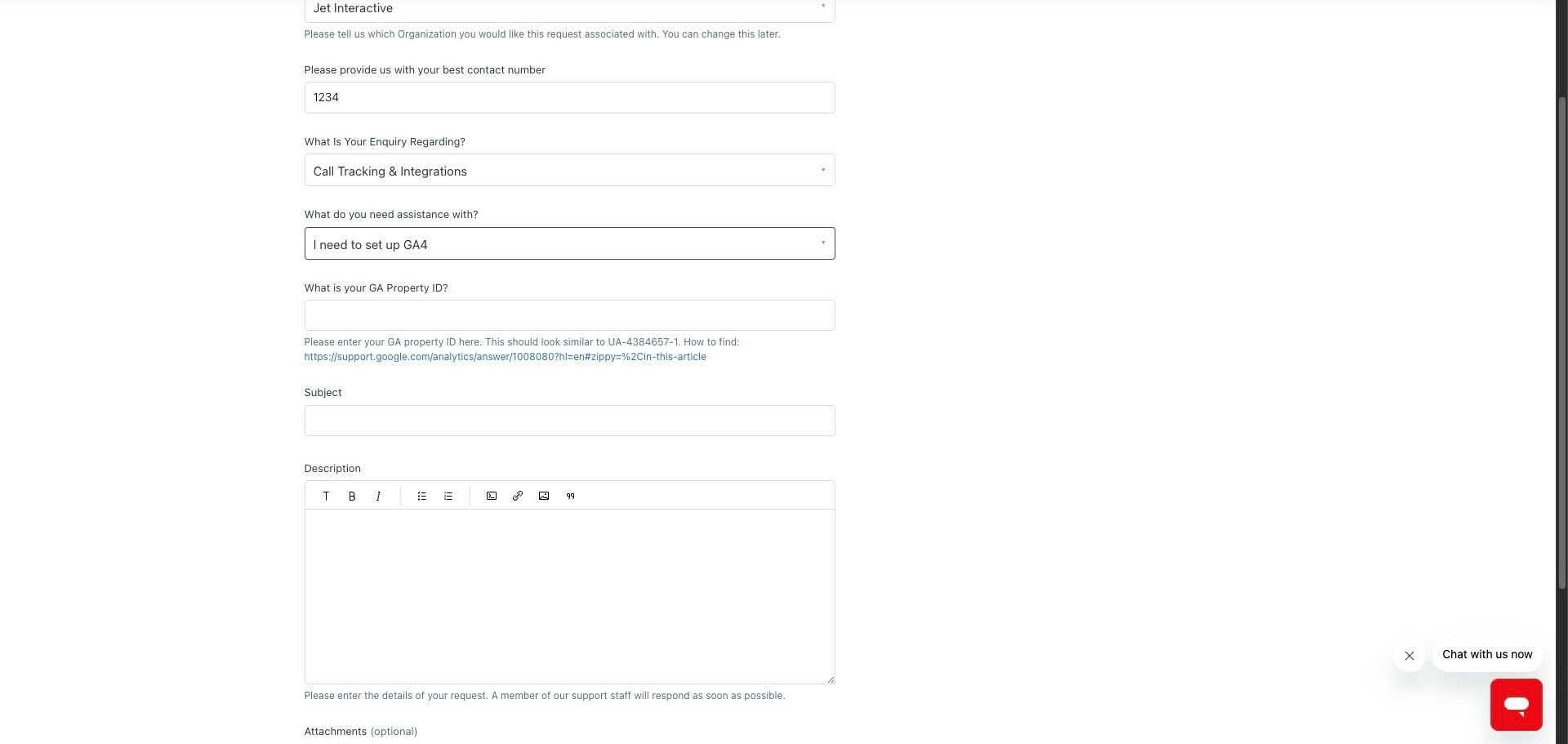
7. Briefly describe your ticket
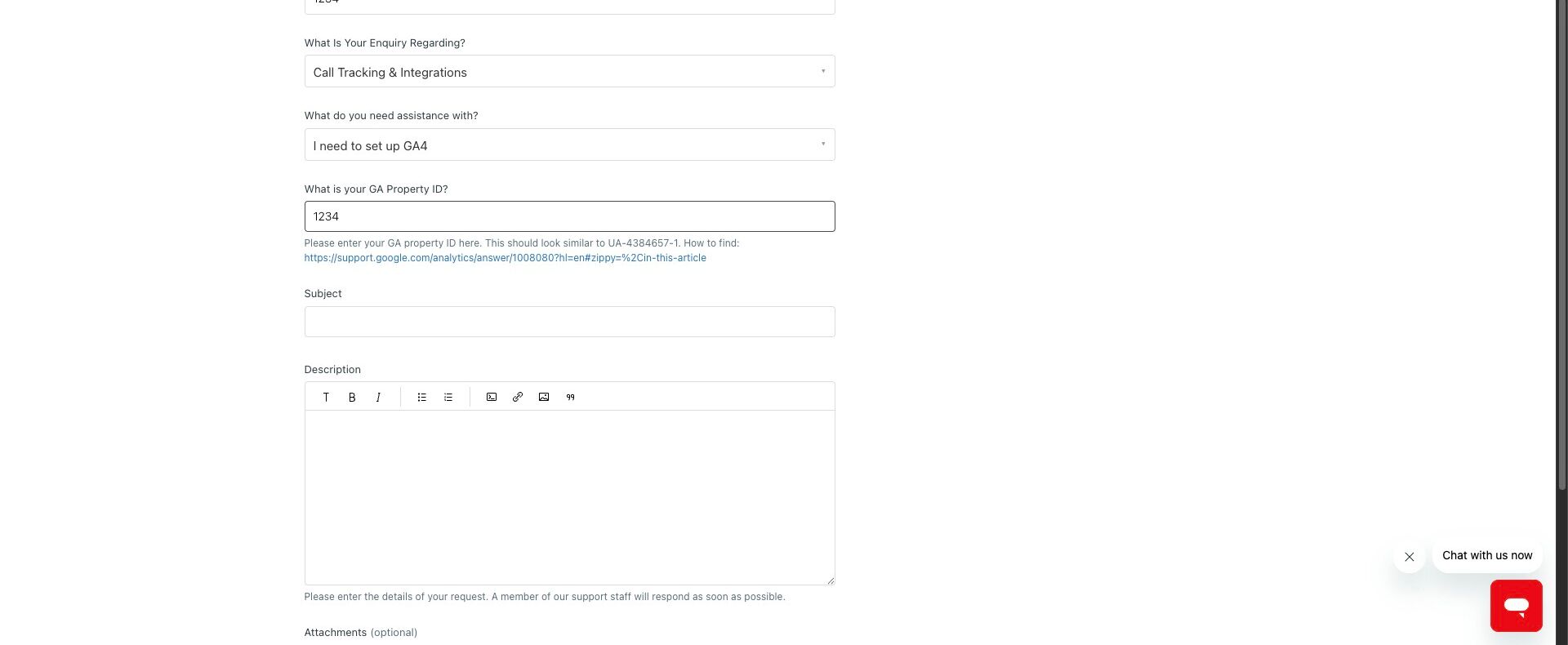
8. In the description, provide us any and all relevant details. We can never have too much information!
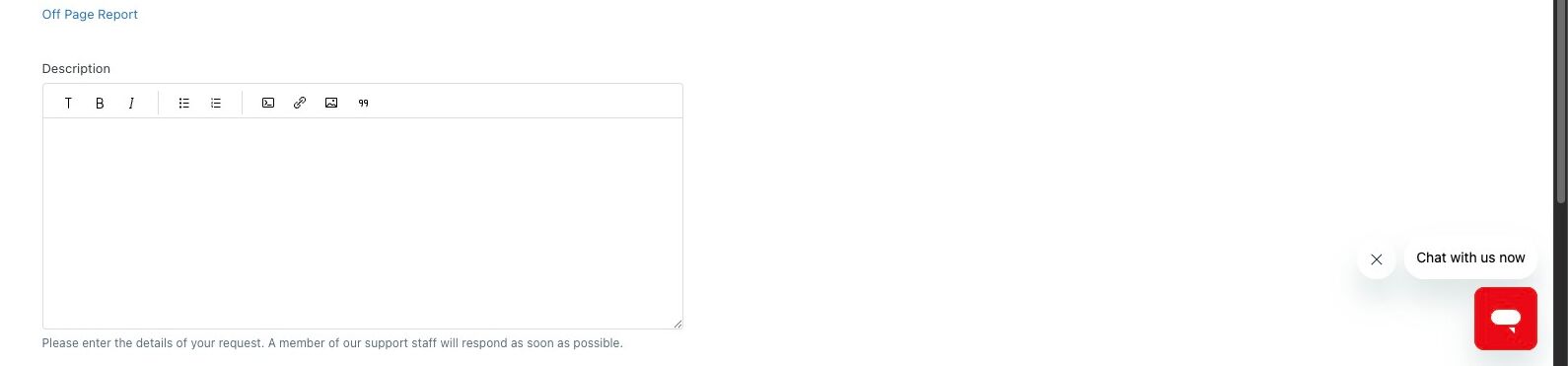
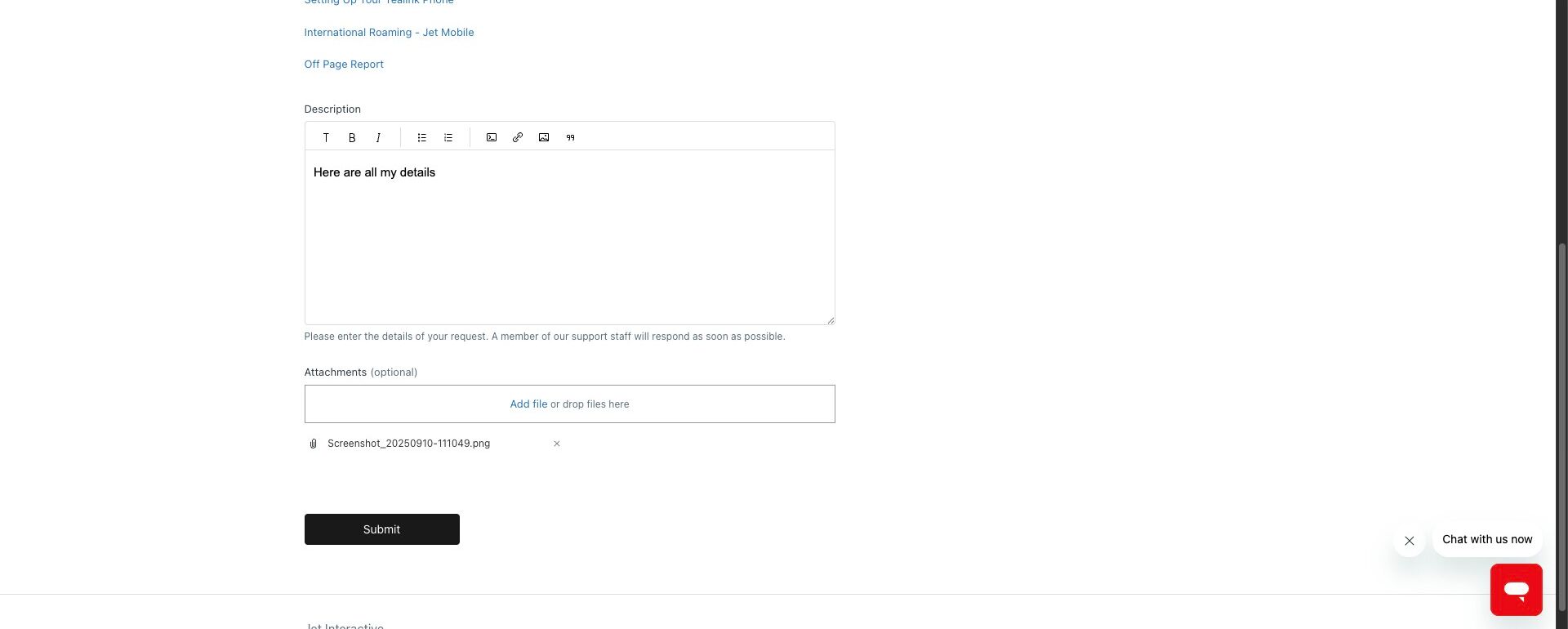
9. Attach any screenshots or files related to this ticket
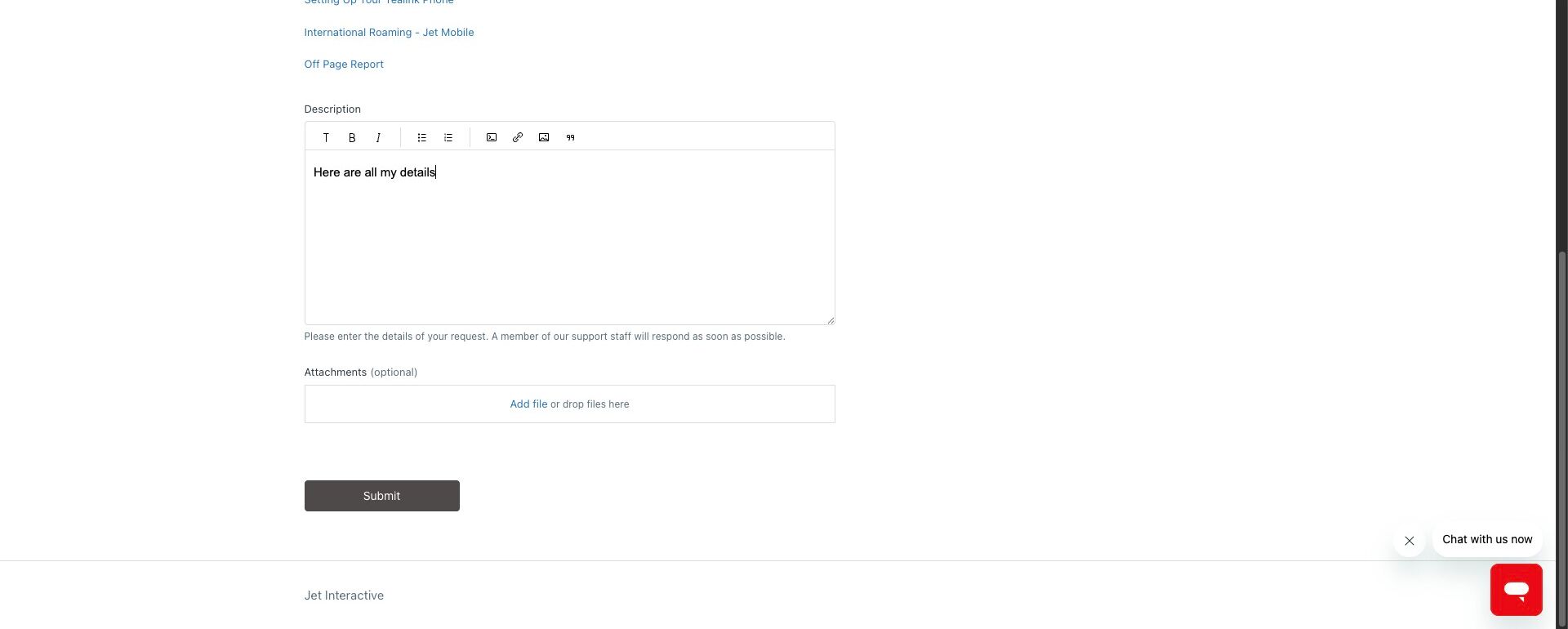
10. Click "Submit"
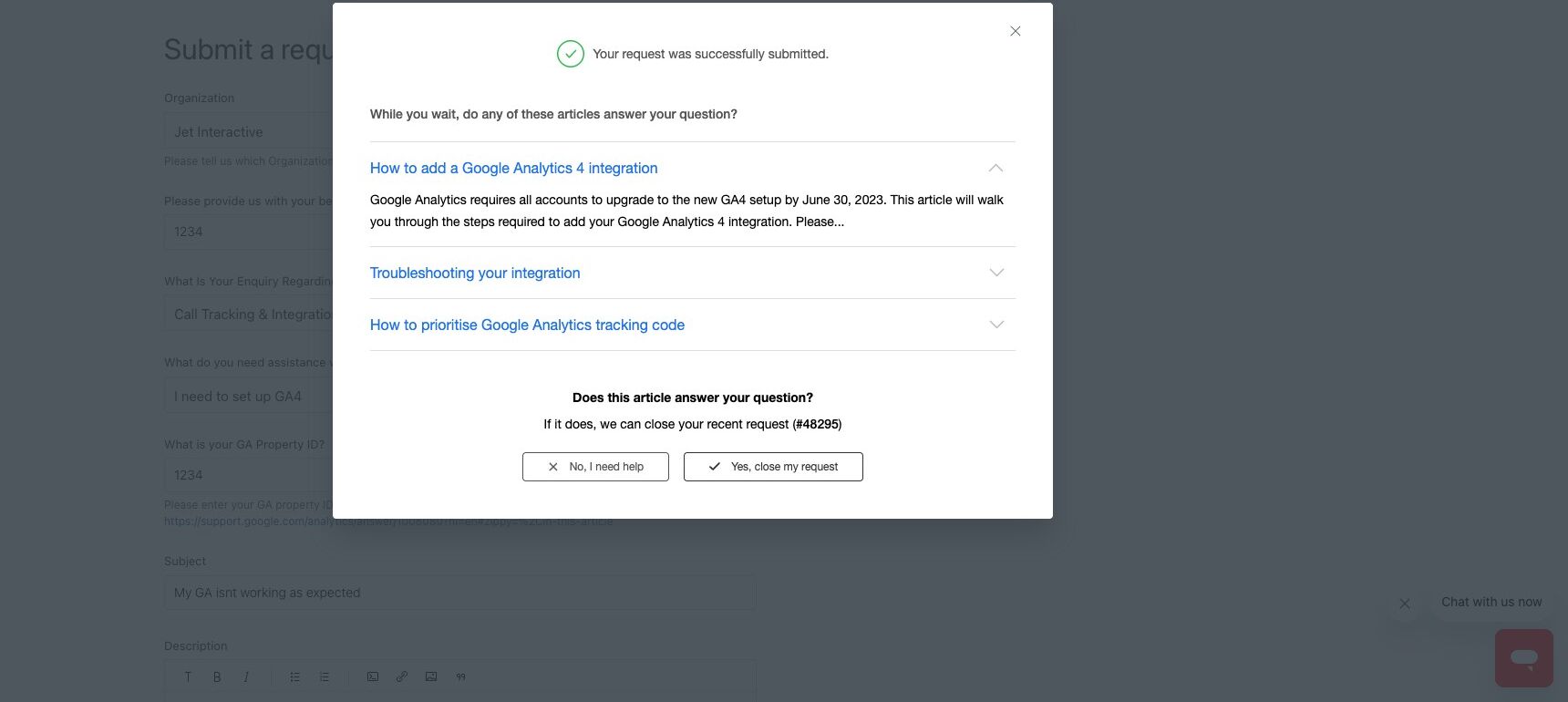
11. Click "No, I need help". If you click Yes here, the system will mark your ticket as solved.
If you are unable to sign in
If you have forgotten your Jet login or are unable to sign in. You can request to reset your password via the sign in page.
If you do not have a login, Please request for your Jet account admin to enable you as a Jet user.
If you have a Jet login or are your account admin, but cannot sign in, please start a live chat & click 'I am unable to log in' when prompted.
Managing Your Tickets
Your tickets can be accessed via the help centre. To view your open and past tickets. click on the 'My Current Tickets' link on the top of the help centre. This will show you a list of all your tickets & their status. You can update your tickets from within this view, reply to tickets & add attachments.