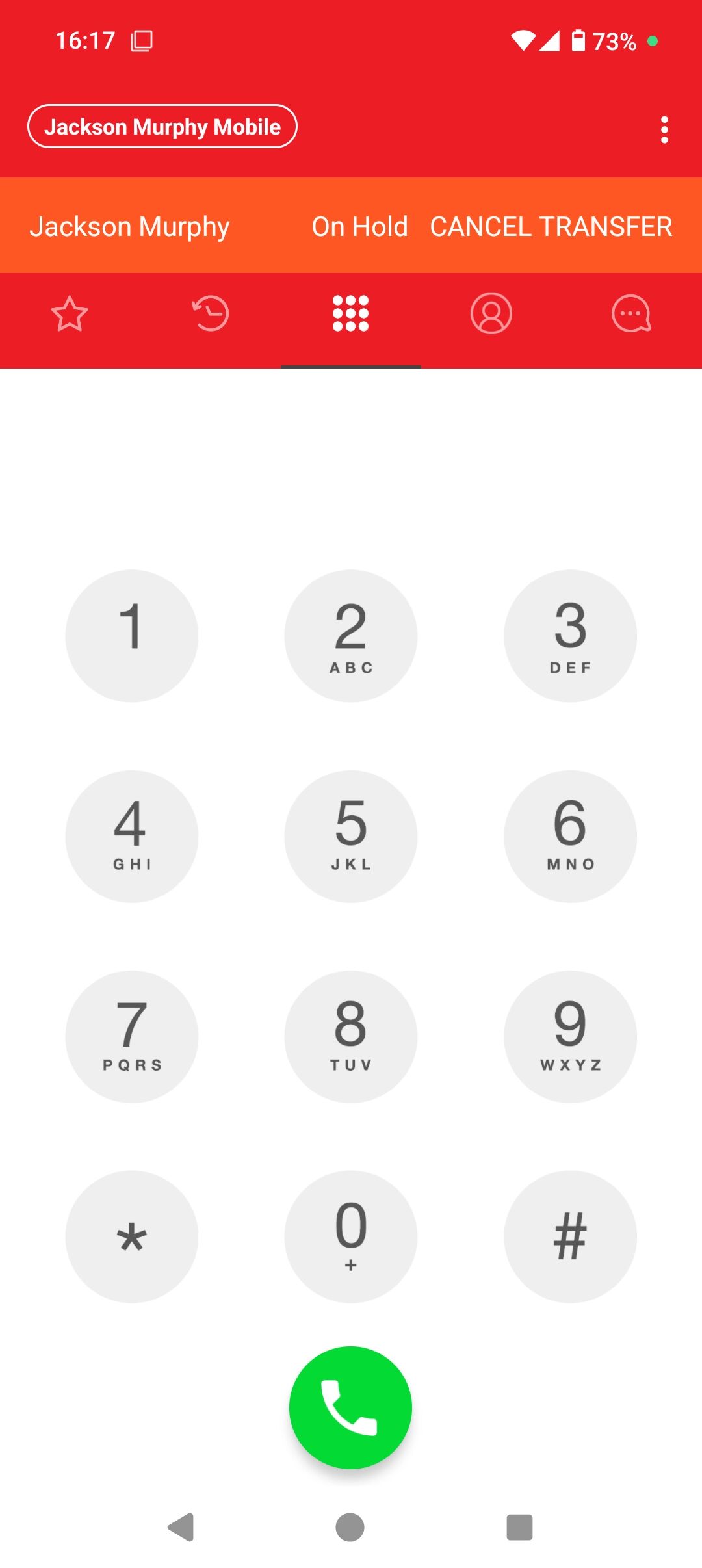
Calls can be transferred to a target by way of a warm or attended transfer. In an attended transfer, the first party speaks to the target before transferring the call.
You can make a transfer from the Phone dial pad, from Contacts, or from History. Using the dial pad If you know the number, you can use the dial pad to make an attended transfer.
Mobile App
1. Tap "Transfer"
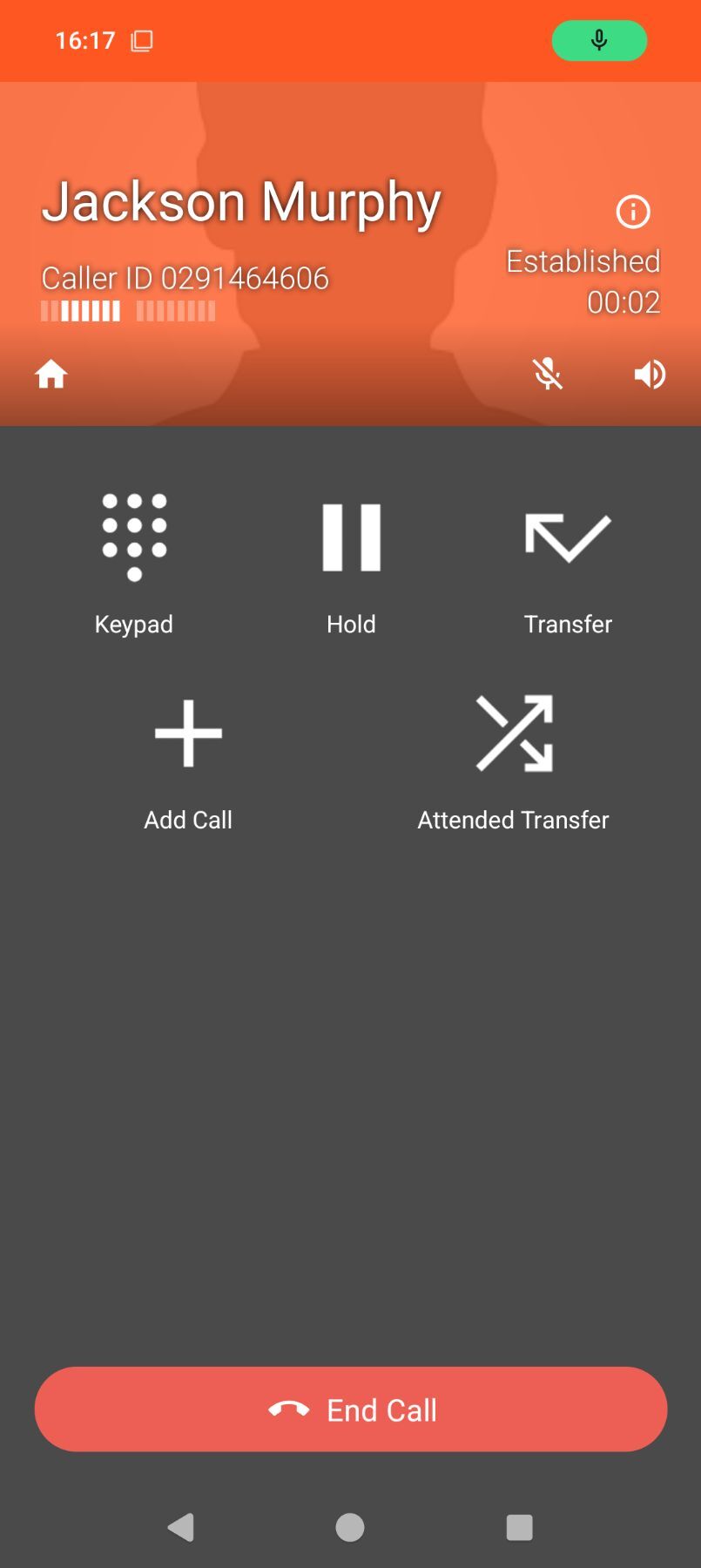
2. Enter the phone number or contact you wish to transfer to and click call